
Centralise content, align your trainers' practices and give your learners a consistent experience across the whole journey.
The features that save time for your trainers and learners.
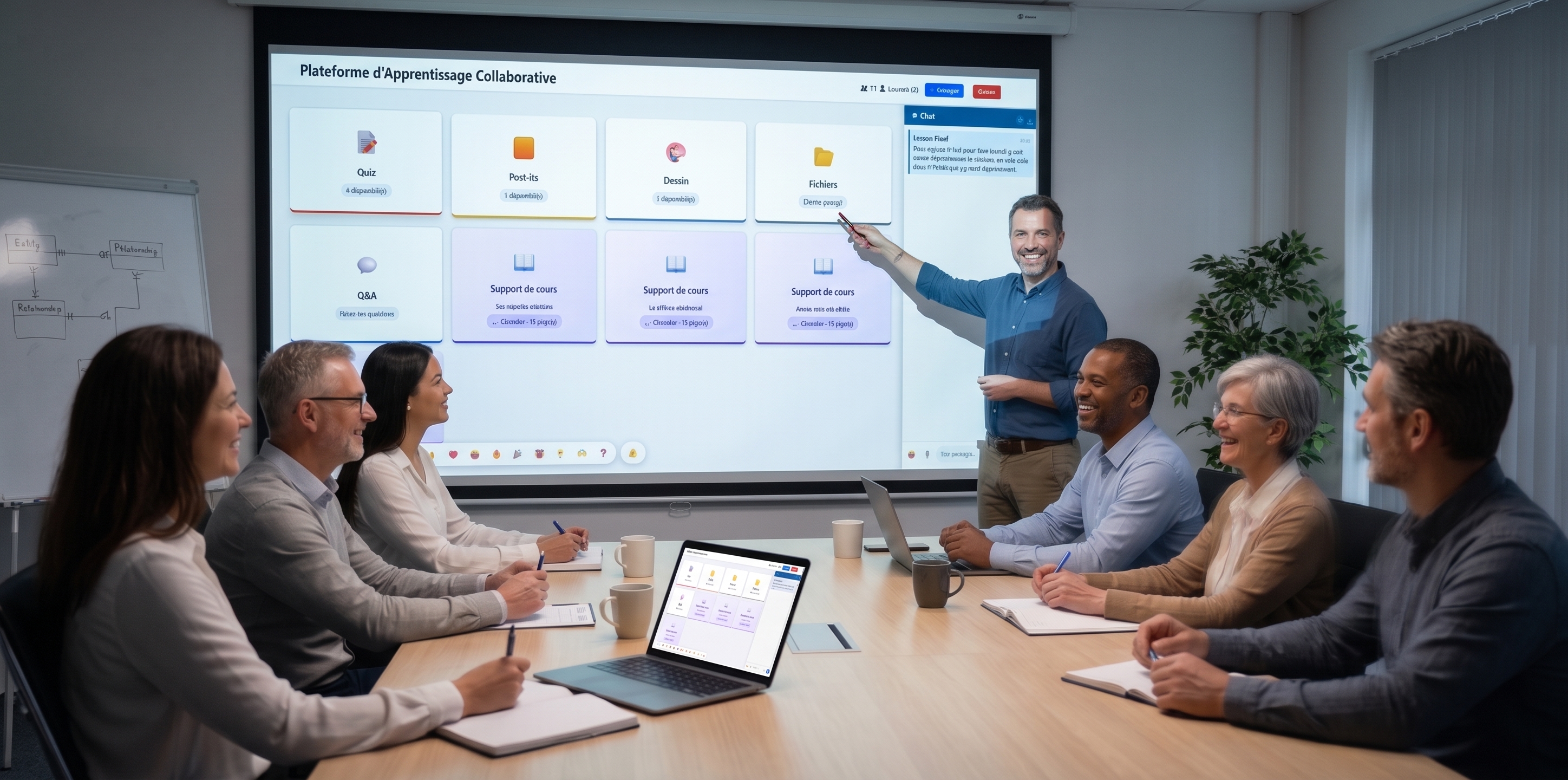
Ordered activity sequences (quiz, flashcards, mindmap…). Individual progress tracked.
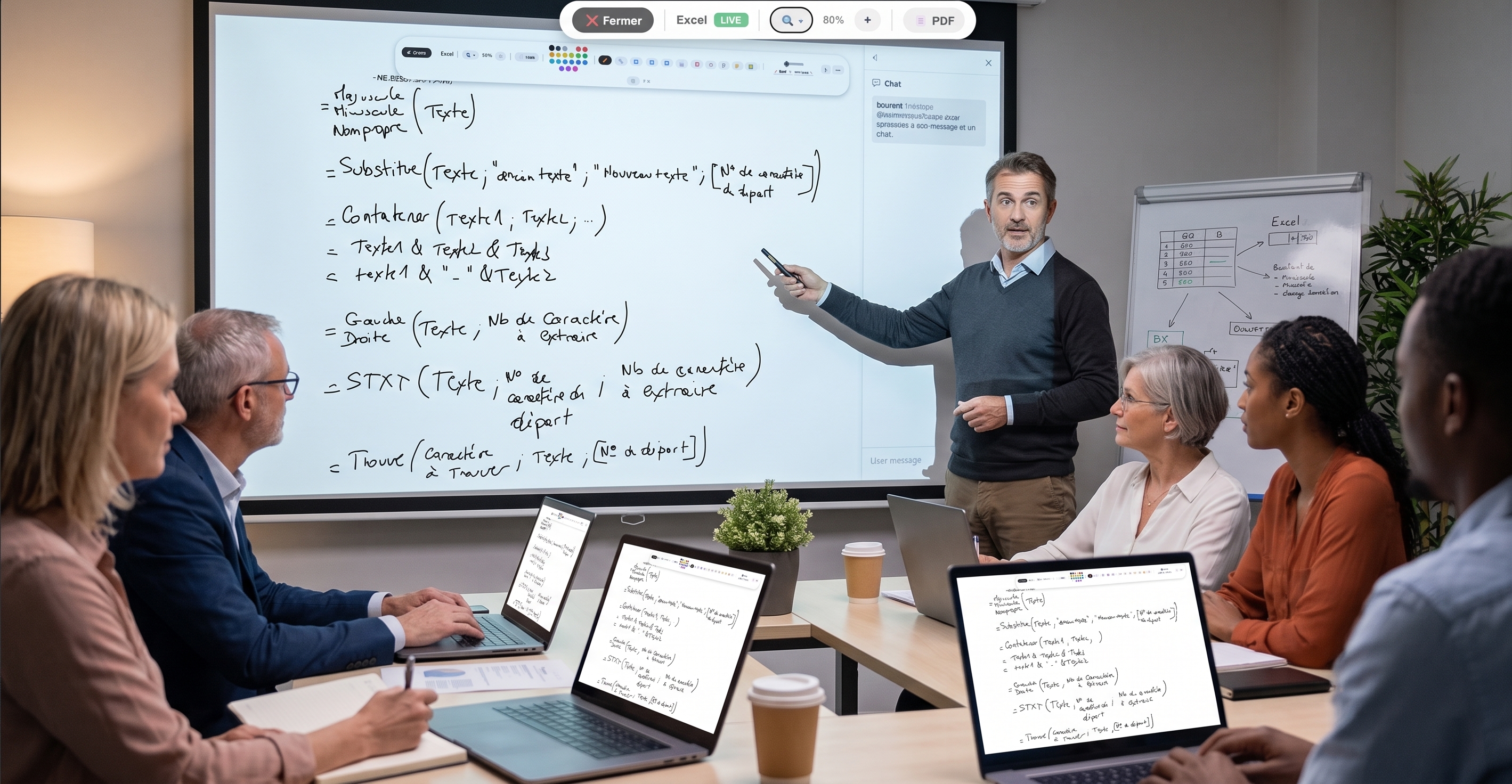
PDF presentation with live annotations (shapes, eraser, highlighter). Your audience follows in real time.
Group breakouts with dedicated notepad + chat. Perfect for workshops.
Kahoot-style show mode — PIN code, live ranking, final podium.
Reuse your questions across multiple courses. Pool them across trainers.
Real-time KPIs on engagement, results and cohort progress.
Document edited simultaneously. Collective note-taking by learners.
Learners silently signal "I follow" or "I'm lost". Live gauge.
Structure lessons as collaborative trees. Visual memorization.
Two-sided memory cards to reinforce retention between your sessions.
Check learning at each module. Individual tracking per participant.
Take the room's pulse in 10 seconds. Multiple choice, scale, yes/no, free text.
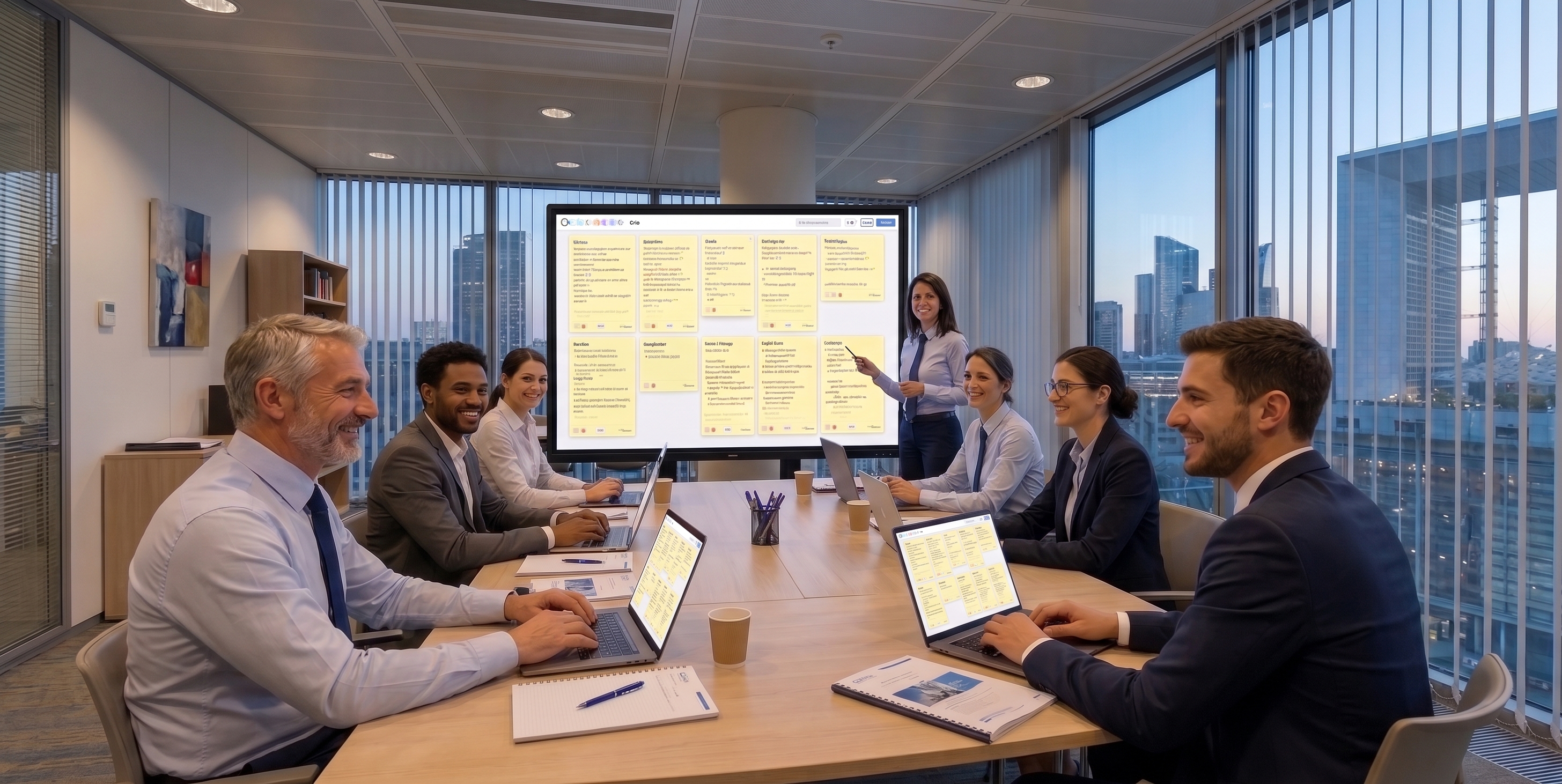
A board where you can drop sticky notes, edit them, copy their content, or export them as PDF or Word.
Free drawing, shapes, 20+ colors. Ideal for visual explanations.
Videos with timed questions — auto-pause, validation required to resume.
Visible time banner, audible alert. Frame each exercise efficiently.
One-click random draw to start a discussion or pick a spokesperson.
To do / In progress / Done. Run your action plans live.
Live reactions animated on every screen. Engagement without interruption.
Screen sharing lets the host follow learners as they work (learner consent required, as in a physical room). Learners can revoke access at any time. Sharing is one-to-one between learner and host — other learners see nothing, avoiding any exposure.
A training center often juggles between an LMS, quiz tools, tracking spreadsheets and evidence folders. EduTools centralises pedagogical delivery and tracking in a single platform: each trainer finds the same tools, the same question bank and the same dashboard, harmonising quality from one path to the next.
Management keeps an overall view: number of sessions, participation rates, average cohort results. This visibility helps spot modules to rework and concretely demonstrate the value of your trainings to clients and funders.
Every session is automatically tracked: attendance, duration, quiz results, detailed answers. This data constitutes usable evidence during a Qualiopi audit, without manual re-entry. You archive, export, justify.
Individualised tracking also enables quality support: spotting a struggling learner, adapting the pace, offering remediation activities. Pedagogy stays central, administrative work runs itself.
Plans tailored for Training centers. Upgradable any time.
Click to see in detail how each tool will save you time in your sessions.
Get started in minutes. No credit card for the free plan, no install required for your participants.
Request a demo →