Visualise the progress of your tasks in columns: To do, In progress, Done. A shared Kanban board to drive projects and action plans live.
Get started for free →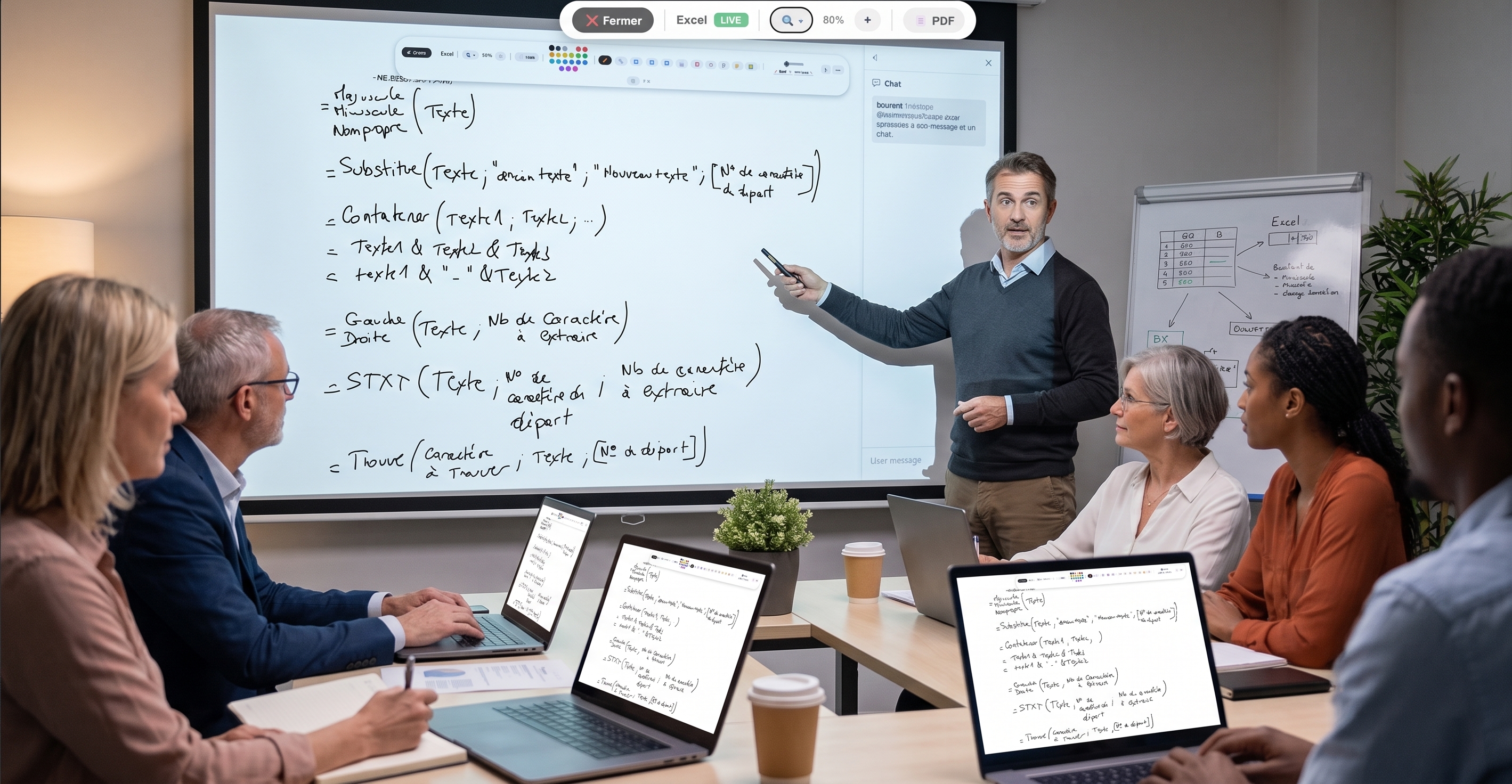
Kanban is a visual method for managing tasks: work is shown as cards that you move between columns matching stages — typically "To do", "In progress" and "Done". At a glance, you see where each task stands.
With EduTools, the Kanban board is built into the room: you create cards, move them from one column to another, and the board stays available to your group.
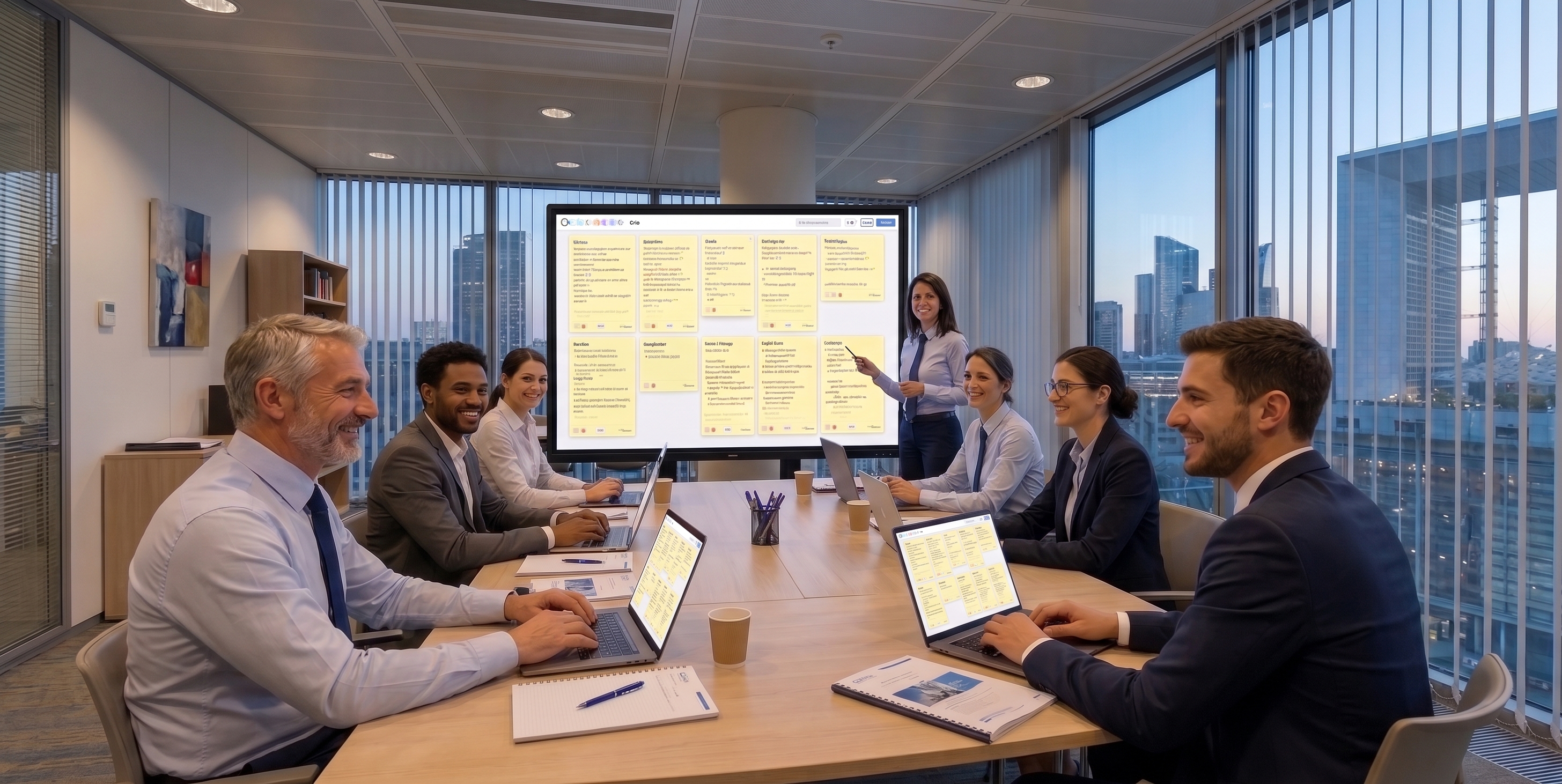
In a meeting, the Kanban board turns an abstract action plan into a concrete visual: everyone sees what's left to do and what's moving forward. Decisions immediately become cards.
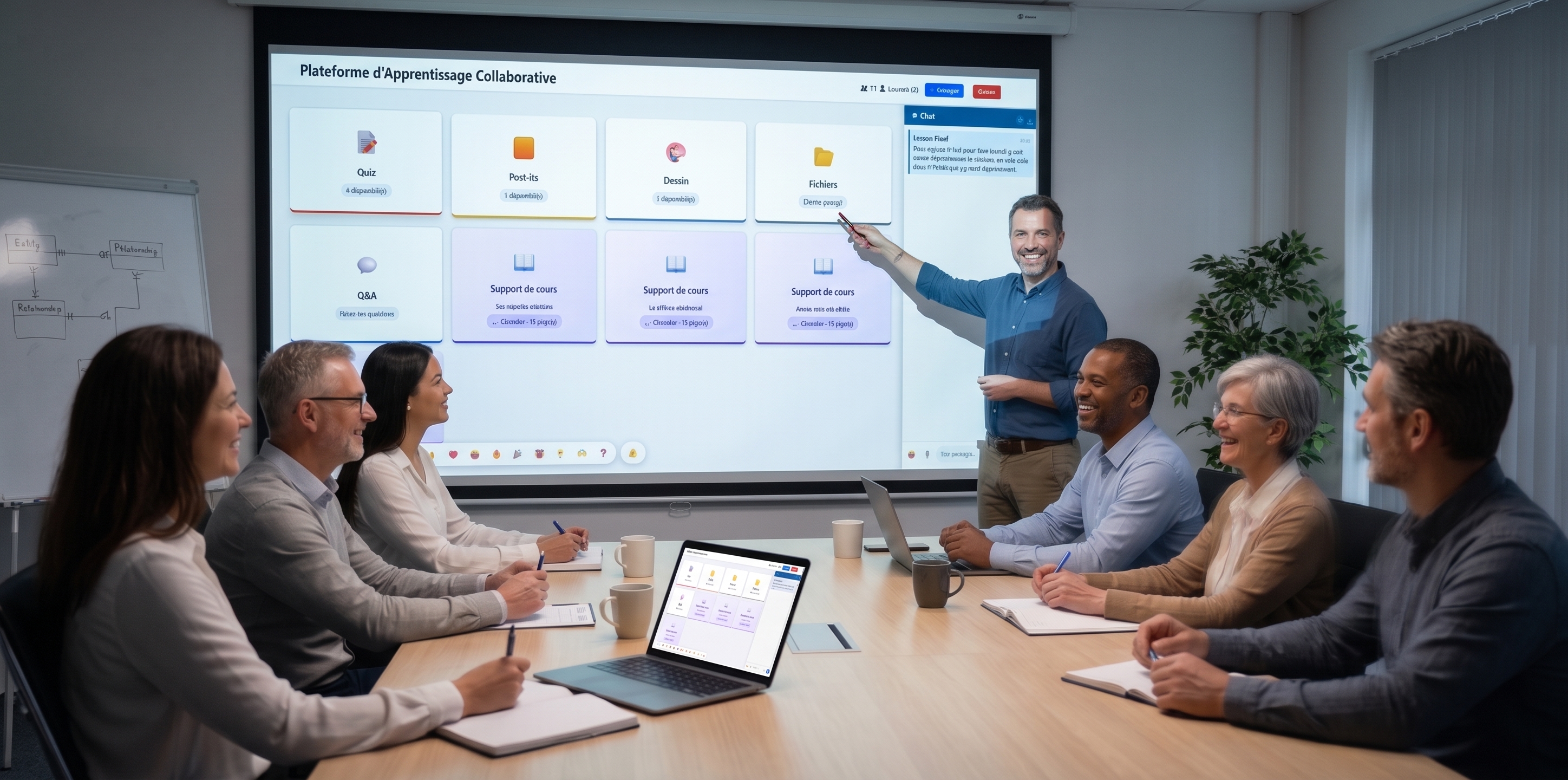
In a teaching context, Kanban helps drive a group project or organise the steps of a task. Learners learn to break down a task and follow its progress.
To do, In progress, Done… adapt the stages to your needs.
Each task is a card you move from one column to another.
The project's status reads at a single glance.
The whole group views the same board, live.
The board stays available from one session to the next.
Access from any browser.
A concrete look at the main features: customisable columns, rich cards, calendar view.
Create as many columns as you need (To do, In progress, Review, Done…) and customise them with an accent colour and a WIP limit. Drag and drop the cards to move them forward.
Each card brings together a title, a description, a colour, an assignee, a due date and tags. The add form is instant and clear.
Open a card to access its checklist, its comments with @firstname mentions, its tags and its dates. Ideal to track a group project without scattering.
In one click, go from board view to monthly calendar view to see deadlines over time. Overdue cards show in red so nothing slips through.
Create your free account in minutes. No credit card, no install required for your participants.
Get started for free →