
In remote training, you can't see what your trainees are doing. On-demand screen sharing lets you take a look — with their consent — to support each person just like in the room.
Get started for free →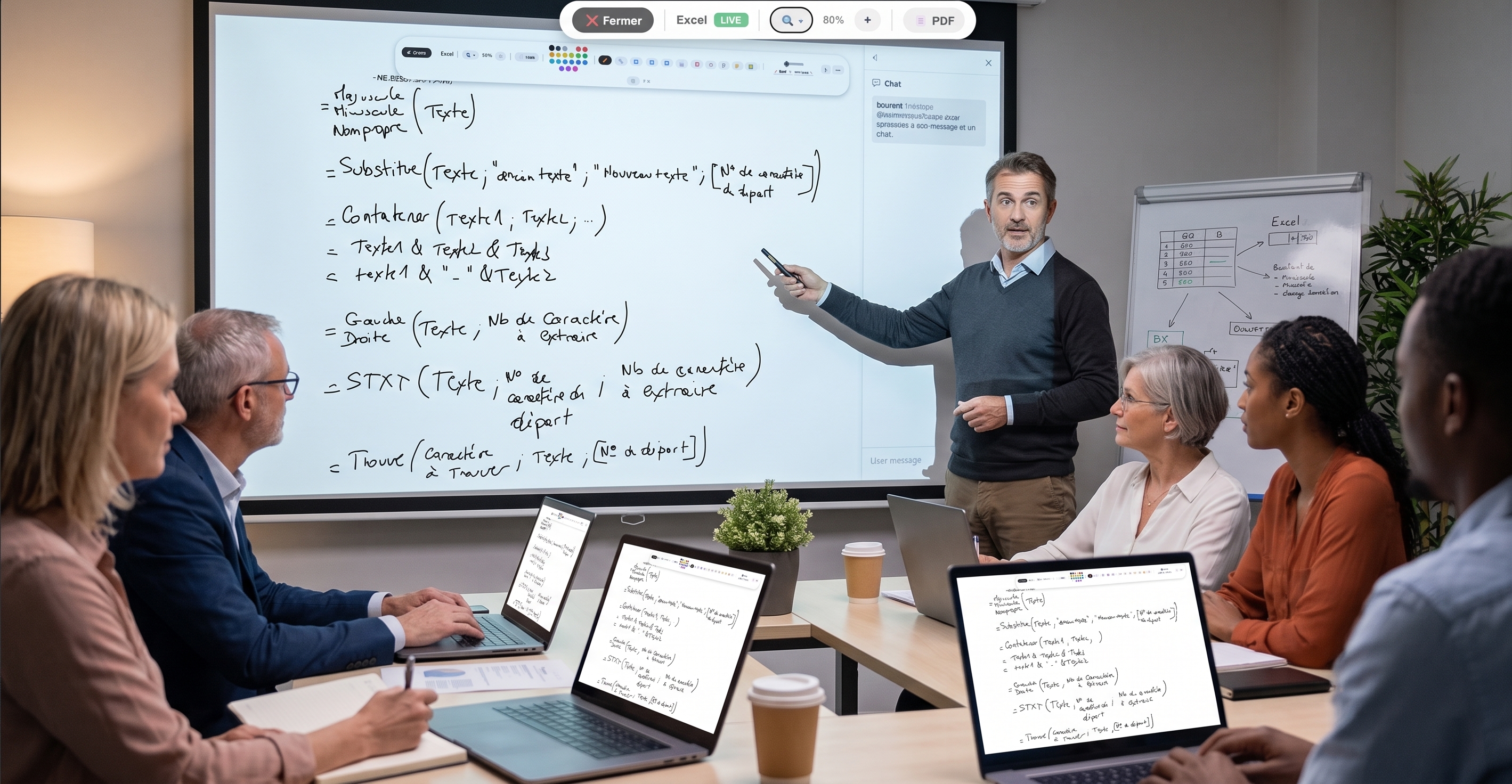


In person, a trainer walks around the room and sees at a glance who's keeping up, who's stuck, who's lost in another tab. Remotely, that view disappears: you speak without knowing whether the screen opposite shows the right exercise.
EduTools' trainee screen sharing restores that contact. On demand, and with the trainee's consent, you display their screen: you see where they are, you spot the mistake, you support them live.
Privacy is at the heart of the feature. The trainee explicitly authorises sharing: as long as they haven't agreed, their screen isn't accessible. They can revoke this permission at any time.
This consent-based approach sets EduTools apart from monitoring tools: it's not about spying, but about offering support — like a trainer leaning over a learner's shoulder, except this one has given their consent.
Show a trainee's screen whenever you need to help them.
The trainee authorises sharing; they can revoke it at any time.
See who's following the exercise and who got lost along the way.
Guide a learner live, just like in person.
No screen is visible without the trainee's explicit consent.
Everything happens in the browser, with no third-party software.
Create your free account in minutes. No credit card, no install required for your participants.
Get started for free →